
NewRemote-Process
cls Function New-RemoteProcess { #[CmdletBinding()] Param( [String]$ComputerName = $env.computername, [String]$Cmd = $(Throw “You must enter path to the command which will create the process”), [String]$ac, […]
cls Function New-RemoteProcess { #[CmdletBinding()] Param( [String]$ComputerName = $env.computername, [String]$Cmd = $(Throw “You must enter path to the command which will create the process”), [String]$ac, […]
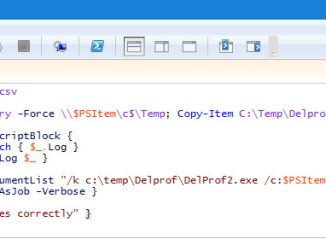
Create .csv file with column name “Computername” $servers = import-csv C:\Temp\servers.csv $comps = ($servers).ComputerName $comps | %{ New-Item -ItemType Directory -Force \\$PSItem\c$\Temp; Copy-Item C:\Temp\Delprof \\$PSItem\c$\Temp\Delprof […]
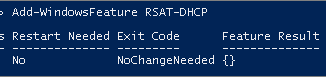
We need DHCP PowerShell cmdlet to be available in order to manage DHCP. By default, the DHCP module is not loaded in PowerShell. We need […]
Get-Content C:\temp\Computers.txt| %{Move-ADObject -Identity “CN=$_,OU=WIN10,OU=ABC,OU=Computers,DC=CHILD,DC=Domain,DC=Vmwareenterprise,DC=com” -TargetPath “OU=Prod,OU=WIN10,OU=ABC,OU=Computers,DC=dev,DC=DIR,DC=vmwareenterprise,DC=com”} -Verbose

Description The Get-ADOrganizationalUnit cmdlet gets an organizational unit (OU) object or performs a search to get multiple OUs. This cmdlet gets a default set of OU object […]
Just give input as first name and last name in inputfile Jeevan bobba Abcdef ghijklmnopqrst It will create username and by adding v- at […]
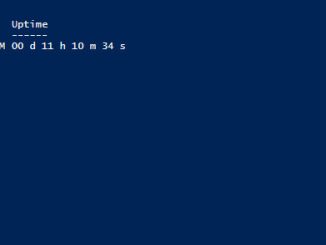
Computer uptime is an important statistic in systems management. Here are several of the ways we can determine system uptime for a computer (note that […]
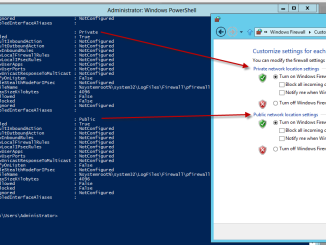
If you want to turn off the Windows Firewall, there are three methods. One is using the GUI which is the method that takes the most […]
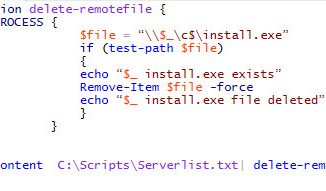
Delete Files from Remote computers The following PowerShell script recipe will help you delete a remote file based on a list of computers stored in a text file. New PowerShell function […]
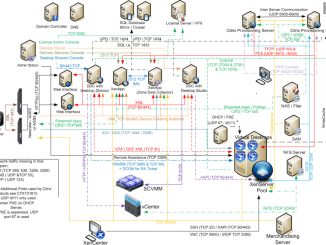
ICA#1494 RDP#3389 CGP#2598 IMA#2512 AMC#2513 XML#8080 License Manager Daemon#27000 Citrix Vendor Daemon#7279 License Management Console#8082 Citrix Receiver#80 Citrix Receiver#443 Offline Plug-in-SMB#445 Power & Capacity Management […]
Copyright © 2026 | WordPress Theme by MH Themes